
Components and hooks
A widget is what it builds. Keep state with a StatefulWidget, or in a plain function with use_state, use_memo and use_effect.
Rust from the app to the pixels
Layout, text, widgets, gestures, theming and the renderer are all Rust. No VM, no second language, no bridge in the hot path.
GPU rendering on wgpu
Vulkan, Metal, DX12, OpenGL ES and WebGPU from one backend. Paths are tessellated with lyon, and text is shaped by cosmic-text.
Desktop, Android and web
One frus::main! wires every entry point. Screen readers, IME, insets and notifications work on each platform.
Every widget restyles
Light and dark themes are generated from a seed colour. Every widget takes its colours from the theme, so you can restyle one widget, or every widget of a kind.
A command for the whole loop
frus create, run, build, test and doctor, with hot reload that keeps the state. Whatever a command needs, it installs first.
Tested like it means it
Components run with no window and no GPU, so frus tests the whole lifecycle in plain Rust tests. Rendering is checked against reference images. Every example in the guide is compiled by the test suite.
These figures come from the repository and the changelog. frus does not publish side-by-side benchmarks against other toolkits yet: that comes once the numbers have been measured on real devices, with the method written down.
A counter, in full
That is a complete, runnable application. cx.use_state keeps the count between rebuilds, and the buttons update it. frus::main! declares the entry points for every platform at once.
cargo run starts it on the desktop. frus run -d android and frus run -d web start it on a phone and in a browser. The source stays the same.
use frus::{button, column, row, text, Align, BuildContext, FrusApp, Variant, Widget};

// A widget is what it builds. One that has something to remember keeps it with a hook.
fn counter(cx: &BuildContext) -> Box<dyn Widget> {
    let count = cx.use_state(|| 0);
    let (up, down) = (count.clone(), count.clone());
    Box::new(column![
        text(format!("{}", count.get())).size(48.0),
        row![
            button("+", move || up.update(|n| *n += 1)).variant(Variant::Filled),
            button("−", move || down.update(|n| *n -= 1)).variant(Variant::Outlined),
        ].gap(20.0),
    ].gap(16.0).align(Align::Center))
}

// One declaration wires up desktop, Android and web entry points.
frus::main!(FrusApp::from_fn(counter));
Build for every screen
Desktop
Windows, Linux and macOS: a window from winit, drawn with wgpu.
frus run
Android
A phone or an emulator. The first run installs the SDK, the NDK and Java.
frus run -d android
Web
Built to wasm, served, and opened in a WebGPU browser.
frus run -d web
Any phone, on any computer
A debug build shown in a phone’s frame, with its safe areas, cutout and keyboard.
frus run -d iphone-15
Change the code. Keep the state.
frus run --hot patches each saved change into the running application, on the desktop, Android and the web. The log of every platform shows in your terminal, and single keys drive the application while it runs.
- r reload, keeping the state
- R restart afresh
- i the widget inspector
- P a performance panel with graphs
- b light or dark
- T the text size
- o another platform’s behaviour
- s a screenshot
In VS Code, the frus extension does the same from the editor: a device picker in the status bar, F5 with the log in the Debug Console, reload on save with the state kept, and the inspector and the trees in the command palette.
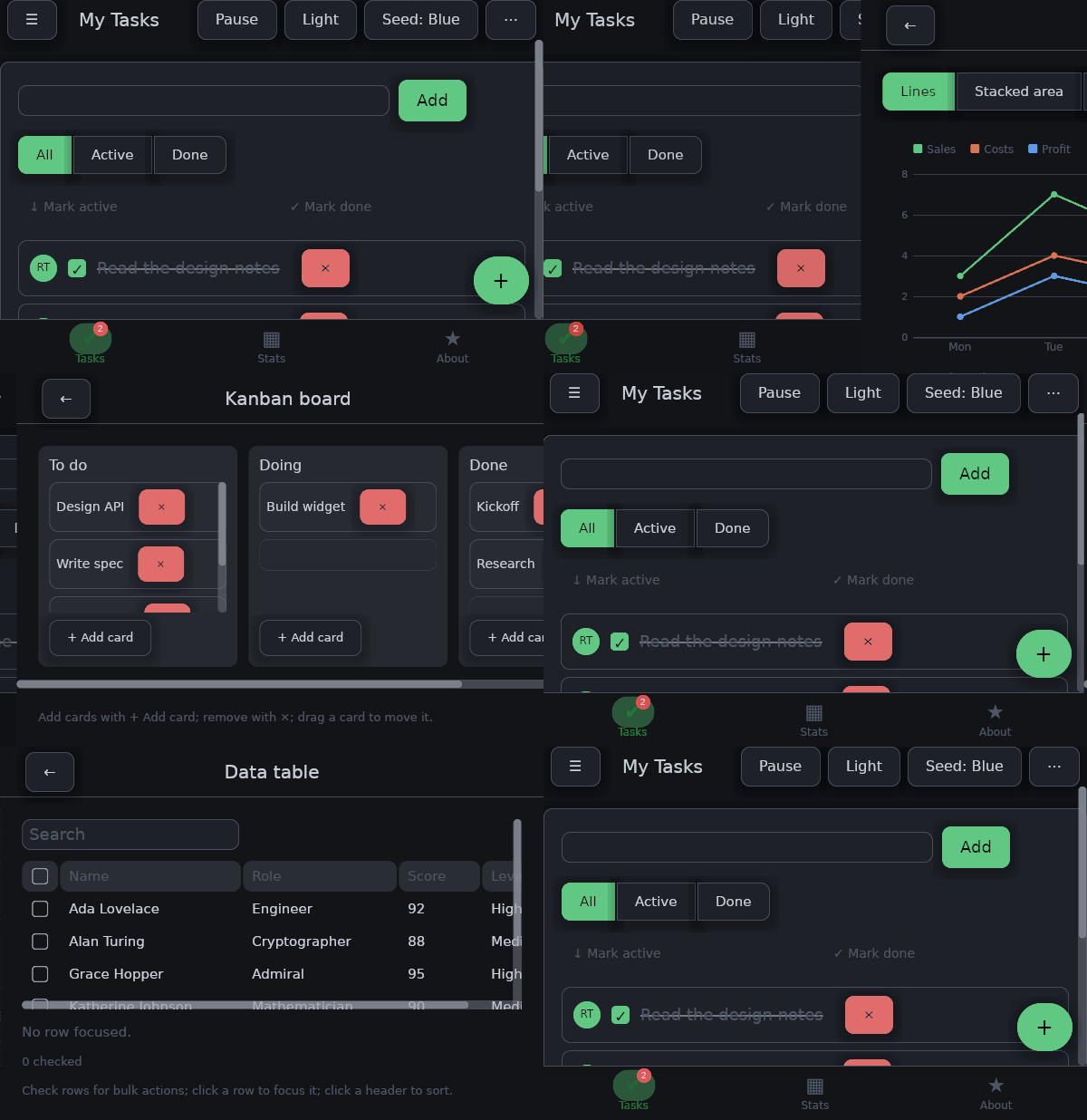
What it looks like
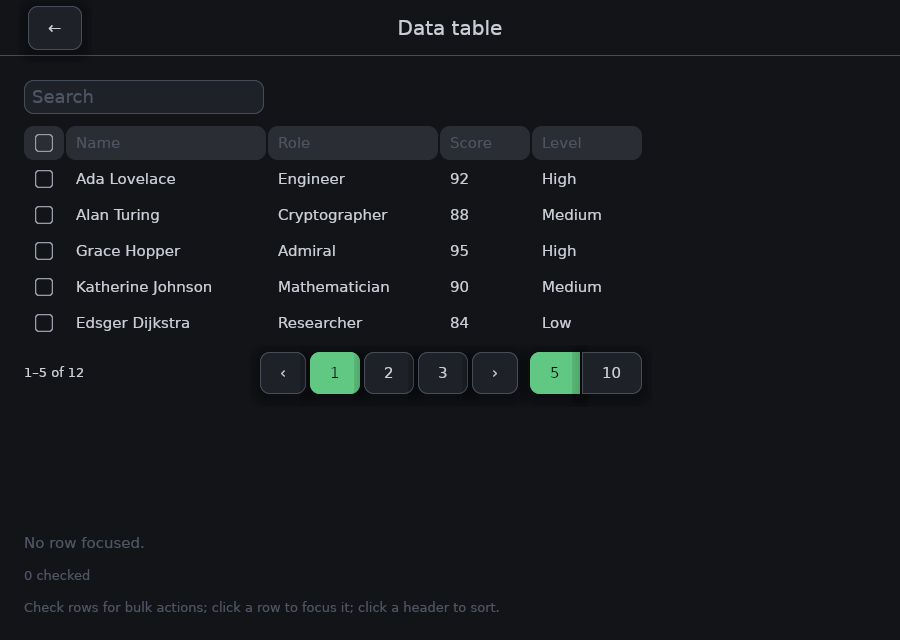
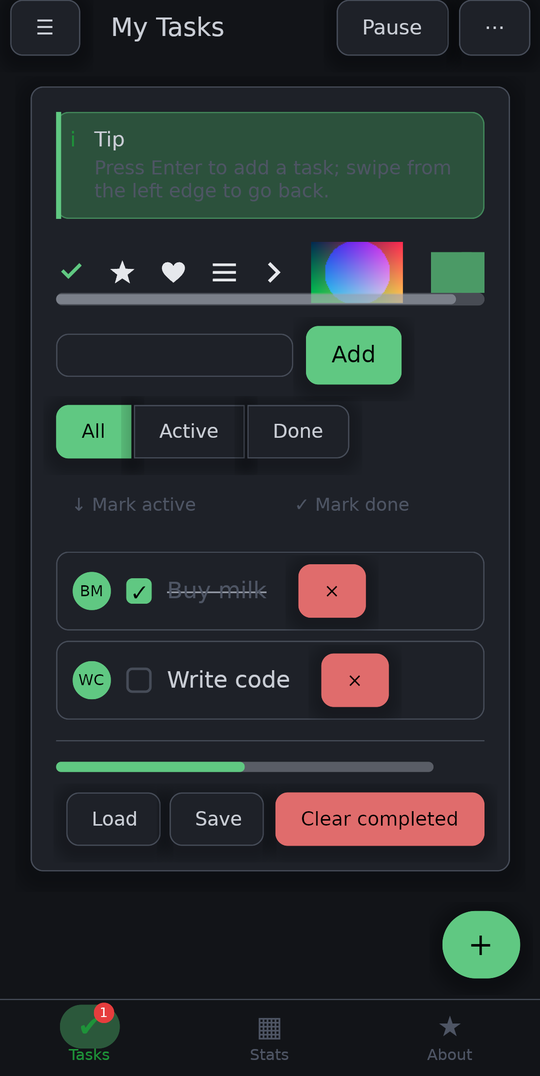
These screens all come from one application. frus renders each picture through the same pipeline a window uses.
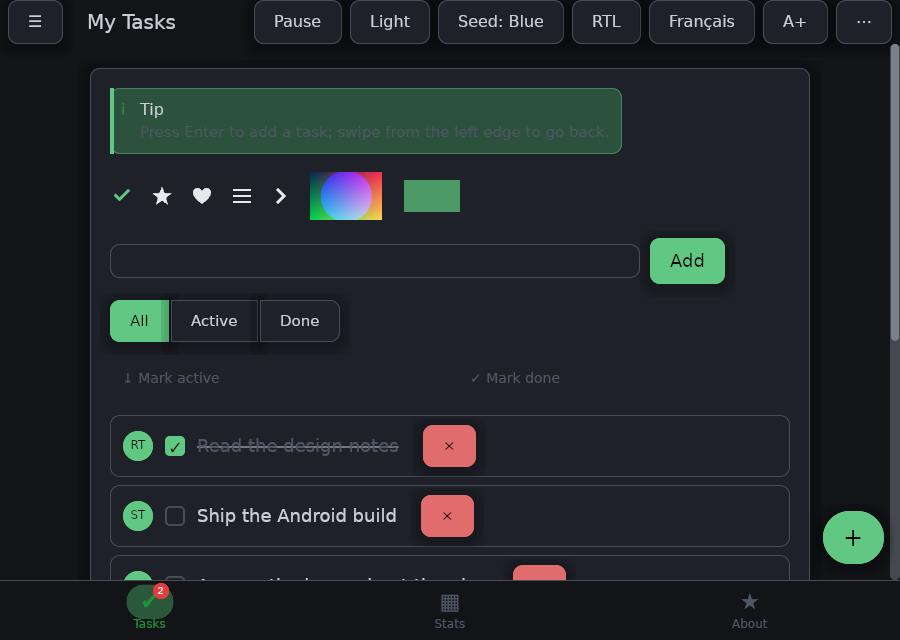
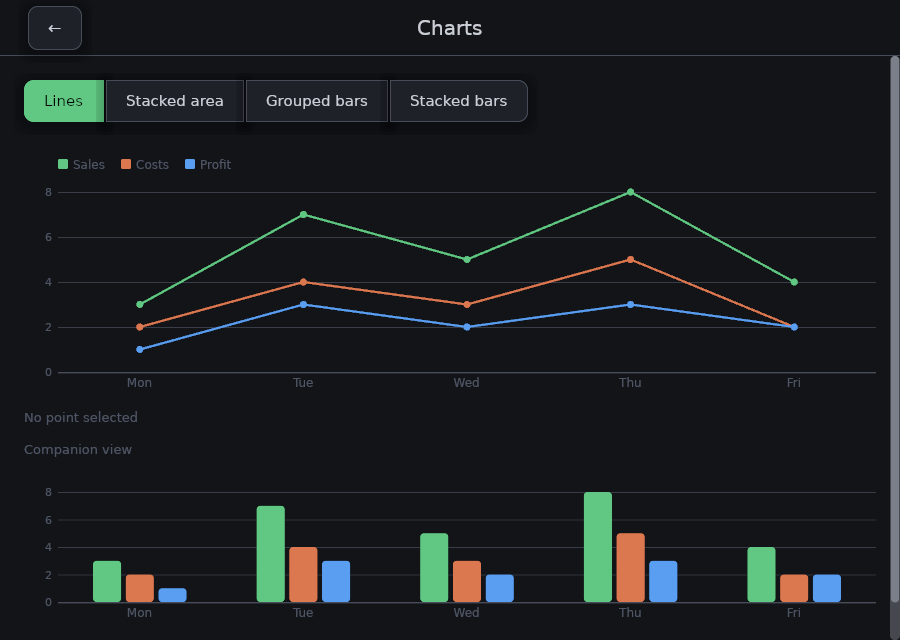
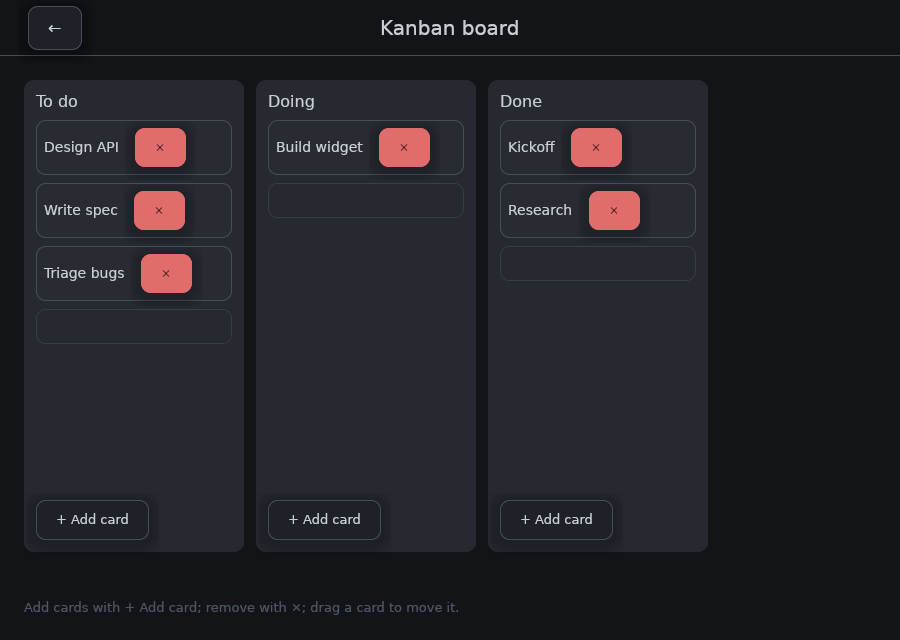
The same code on a phone
Android is a first-class target, not a port: a native activity, Vulkan, a real IME with composition and swipe typing, system insets, and the lifecycle. This picture is a photograph of a device.
Open the widget gallery in your browser →Where to next
Get started →
Install the command, make a project, run it on three platforms.
The guide →
Layout, style, input, lists, navigation, network, animation, testing.
Widget catalog →
Twelve families of widgets, each demo shown with the code that builds it.
Architecture →
Four layers, and where each kind of code belongs.
frus is pre-alpha
The core is real, and three sample applications exercise it. The API is not stable, though, and any release may break it. Two gaps are known: there are no iOS or native macOS shells yet, and text rendering still has edge cases. At this stage, one pull request can shape a whole subsystem.